
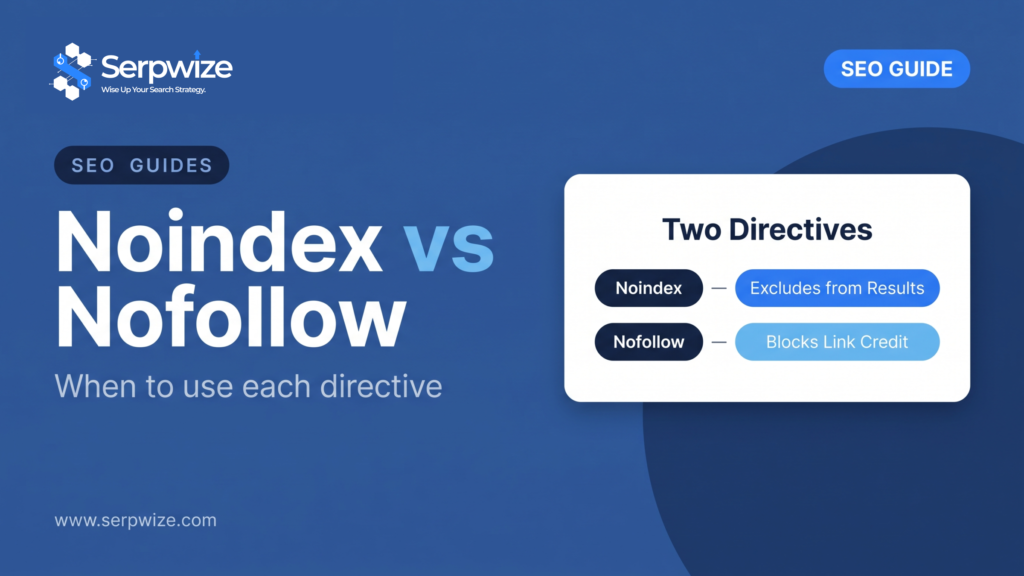
Noindex and nofollow are two separate directives frequently confused for one another. Noindex tells search engines not to include a page in search results. Nofollow tells them not to pass ranking credit through a specific link. They can be used together, but they do fundamentally different jobs.
What Noindex Does
A noindex meta tag or header directive prevents a specific page from appearing in search results at all, while still allowing search engines to crawl it and follow its links (unless combined with nofollow). Common uses: internal search results pages, thank-you pages, duplicate filter/sort URL variations, and staging content.
What Nofollow Does
A nofollow attribute on a specific link tells search engines not to pass ranking signal through that link, though modern Google treats it as a “hint” rather than a strict rule. Common uses: paid or sponsored links, user-generated content links (comments, forum posts), and untrusted outbound links.
Combining Them Correctly
| Directive | Effect |
|---|---|
| noindex, follow | Page excluded from results, but its outbound links are still counted |
| noindex, nofollow | Page excluded from results, and its outbound links pass no credit |
| index, nofollow | Page appears in results, but specific links on it pass no credit |
The Mistake That Deindexes Whole Sections
Applying a blanket noindex directive at the template or theme level, rather than per-page, can accidentally remove an entire category or section from search results without anyone noticing until traffic drops sharply. Always audit noindex tags after a theme change, plugin update, or site migration.
Frequently asked questions
Should nofollow be used on internal links?
Rarely. Internal links should generally pass full signal between your own pages; nofollow is meant for external, untrusted, or paid links.
Does Google still respect nofollow as a strict rule?
Since 2019, Google treats nofollow (and similar attributes like sponsored and ugc) as hints it may choose to follow for crawling and indexing purposes, not an absolute block.
How do I check if a page is accidentally noindexed?
Search Console’s URL Inspection tool shows the indexing status and any noindex directive Google detected on a specific URL.
Serpwize audits indexing directives as a standard part of every technical SEO review. See our SEO outsourcing service.